
Designing On-Board Computer Hardware for a Launch Vehicle: Vibration, Shock and Low Pressure

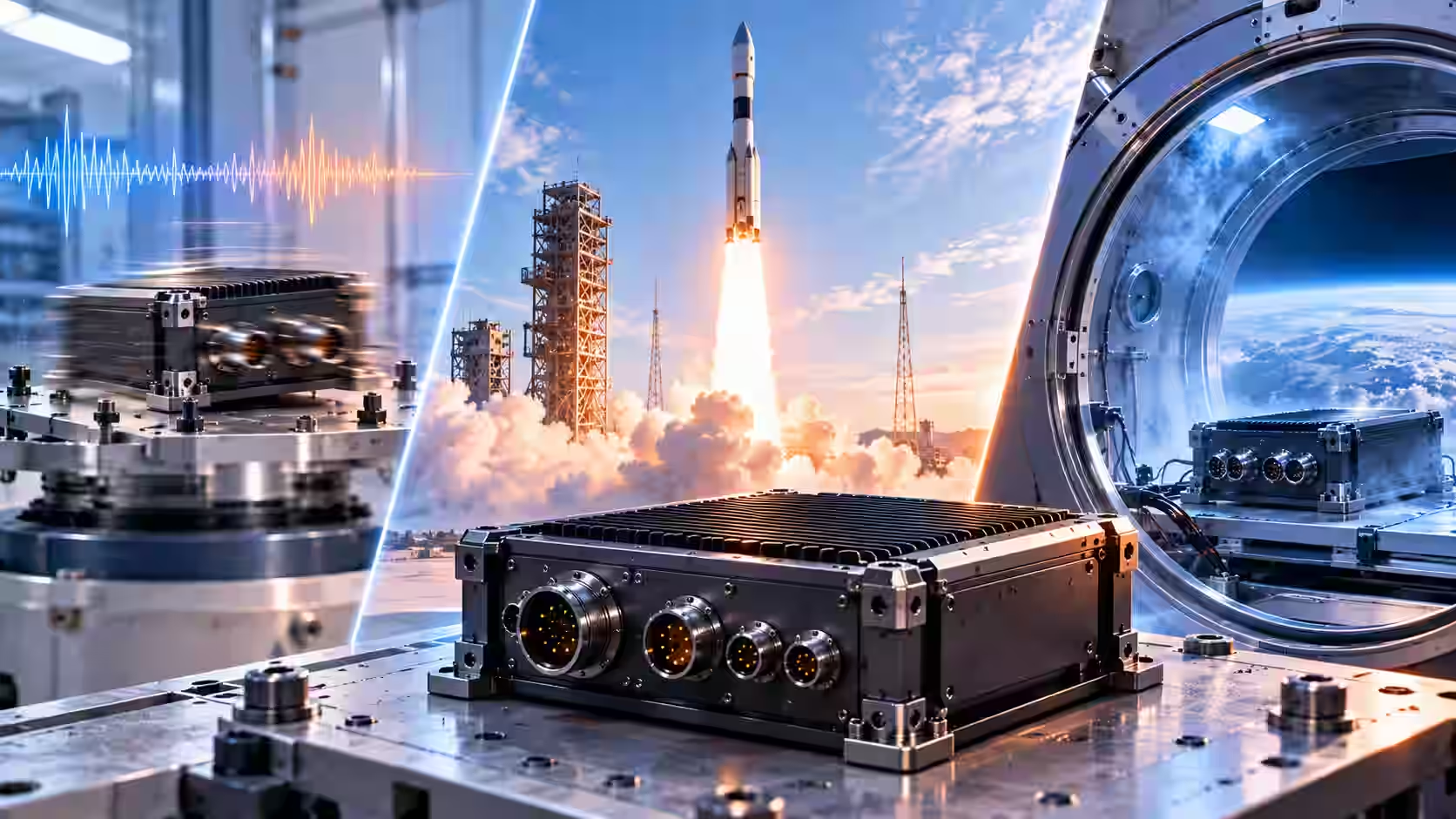
Launch-vehicle electronics must survive vibration, shock, temperature extremes and low pressure. Design the PCB and enclosure for stiffness so resonances cannot multiply the input load, mechanically secure heavy components, and verify every part against the declared temperature range. On Latitude's Zephyr on-board computer, InTechHouse designed the hardware and the enclosure for the qualification tests; radiation was not a requirement, as shielding was the design assumption.
Key takeaways
- The key exposures for launch vehicle electronics are vibration and shock, temperature, and low pressure.
- Resonance is what destroys units on test: design the PCB and enclosure for stiffness so it cannot multiply the base load.
- Large, heavy components need more than solder joints: fixing from the enclosure or adhesive bonding (staking).
- Check every component against the declared temperature range at schematic stage. One part out of range means the unit does not comply.
- Radiation is a program-specific design assumption, not a general rule. On Latitude, shielding was the assumption and radiation was not a requirement.
The exposures that drive launch-vehicle electronics design
Three groups of exposure drive the design of a launch vehicle's on-board computer: vibration and shock, temperature, and low pressure. Most guides cover the first two. Our Vice CTO adds the third without hesitation:
"I'd add low pressure. It's key as well."
Adam Szychulec, Vice CTO, InTechHouse
In general, lift off combines several loads at once: random vibration from the engines, acoustic loading, quasi-static acceleration that produces high g-loads, and later pyrotechnic shock at stage separation. The on-board computer typically sits in the electronics bay with the other flight electronics, including telemetry, power distribution and flight safety systems. Every one of those boards sees the same combination of loads, so the design approach below applies across the bay, not only to the computer. Lighter, more compact electronics also enhance the rocket's payload capacity, which is one more reason to get the mechanical design right the first time rather than adding mass to fix problems later.
What the electronics bay carries
Rocket electronics are not one box. The electronics bay of a typical launch vehicle holds several systems that work together during flight, and the on-board computer sits at the center of them. Knowing what surrounds it helps engineers set its interfaces, its power budget and its mechanical envelope.
On-board computer
The on-board computer collects data from sensors, runs the flight software and sequencing logic, and sends commands to the rest of the vehicle. Its performance and reliability set the pace for every other system in the bay. On Latitude, the flight software was written by the client's own team, and InTechHouse delivered the hardware platform it runs on.
Telemetry
Telemetry systems collect health and performance data from across the rocket and transmit it to the ground during flight. Ground teams use that data to follow the mission in real time and to analyze it afterwards. The on-board computer is usually one of the main sources of telemetry data.
Power distribution
Power distribution electronics manage and regulate electrical power for the critical subsystems of the vehicle. They see the same vibration, shock and thermal loads as the computer, and a failure there can take the whole bay down, so the same design discipline applies.
Flight safety electronics
Flight safety systems monitor vehicle health and respond to critical hazards during launch, including the ability to end a flight safely if something goes badly wrong. Their requirements are usually set by the range and the launch authority, and they tend to be the most tightly controlled electronics on board.
Redundancy and fault detection
Launch vehicle electronics often use redundancy, so that a backup path can take over if a sensor or a processing core fails. Fault detection logic recognizes abnormal conditions and triggers the right safety response. How much redundancy a vehicle carries is a trade-off between reliability, mass and power, and it is decided at system level by the vehicle's own engineers.
Every extra gram in the bay is a gram of payload the rocket cannot carry, so compact, well-integrated space electronics have a direct effect on what the vehicle can do.
Vibration design starts at the PCB
Vibration design begins with the board, not with the test. Use this checklist from the first layout:
- Design for the target assembly class. The class the board will be built to sets the rules for component mounting and solder joints, so decide it before layout.
- Look at large, high-inertia components first. Transformers, large capacitors and connectors move the most under vibration. Decide whether the enclosure must fix or reinforce them.
- Combine mechanical fixing with thermal connections. The same contact that holds a heavy part can also carry its heat to the enclosure.
- Use adhesive bonding (staking) for very large components. Solder joints alone are limited in what they can hold; for the largest parts, staking adds the strength the joints cannot provide.
Critical components that fail under vibration rarely fail because of the part itself. They fail because the board let them move. Read more about vibration and shock testing.
Stiffness against resonance at board and enclosure level
Resonance is what destroys units on test. When a board or enclosure resonates at a frequency present in the vibration input, it multiplies the base load, and the result is failure.
"At design level (the PCB and the enclosure) you think about how it will behave under vibration and make it as stiff as possible to prevent resonances. Resonances multiply the basic load and lead to failure and destruction of the unit on test."
Adam Szychulec, Vice CTO, InTechHouse
Stiffness has to be designed in at both levels. A stiff board in a flexible enclosure still resonates, and so does a flexible board in a stiff one. Mounting points, board thickness, the spacing of supports and the enclosure structure all work in combination to keep resonances away from the frequencies the launch produces.
The enclosure is part of the electronics design
On Latitude, InTechHouse designed the enclosure as well as the hardware, with the design aimed at passing the tests and vibration. The client describes the same sequence:
"It started with software and hardware development, then casing and PCB routing and finally an environmental qualification."
Valentin Belaud, Head of Electrical & Software Systems Department, Latitude
Treating the enclosure as part of the electronics design pays off twice. Mechanically, it holds the board and the heavy components where the stiffness analysis expects them. Thermally, it is the heat path: in vacuum, components lose heat only through conduction into the structure. For that side of the design, see conduction cooling for electronics in vacuum.
Temperature: every component checked at schematic stage
Every component has to be checked against the declared temperature range at schematic stage. One out-of-range part out of a thousand means the unit does not comply, however well the rest of the design performs. The check is simple to do at the initial design stage and expensive to discover in the chamber, where a single weak part can limit the performance of the whole unit.
Low pressure: the exposure most guides skip
As the rocket climbs, the pressure around the electronics falls. With falling pressure, convection stops working as a cooling path, so any component that relied on air to carry its heat away begins to run hotter. Low pressure also affects materials: some plastics, adhesives and coatings release gas (outgassing), which can contaminate nearby surfaces and change material properties. Choose materials with that in mind, and treat low pressure as a design case in its own right, not as a side effect of the thermal tests.
Radiation: a design assumption, not a general rule
For this class of unit, the top-level design assumption on Latitude was that shielding limits radiation exposure. That assumption gives more freedom in design and component selection, but it does not make the work easy.
"There's a top-level design assumption that shielding limits radiation, which gives more flexibility in design and component selection. That doesn't mean it's easy to design: you still have the same temperatures and the same g-loads."
Adam Szychulec, Vice CTO, InTechHouse
On Latitude there was no radiation requirement, and radiation was not tested. In general, a short launch mission sees far less total radiation dose than long-life spacecraft hardware. That is a reason radiation requirements differ between programs, not a rule that launch vehicles can ignore radiation. The requirement comes from each program's specification. For how the qualification campaign was run, see our guide to on-board computer qualification.
Launch exposures and design responses at a glance
Who can design electronics for a launch vehicle
Experience matters, but the entry threshold for launch vehicle electronics is somewhat lower than for long-life spacecraft hardware. What counts is a track record with products built to survive, and the ability to test them properly. Rocket electronics reward engineers who think about performance under load from the first schematic, not those who add margin after a failed test.
"A company should have experience with high-durability products and know how to test them against the given requirements."
Adam Szychulec, Vice CTO, InTechHouse
Space electronics capability does not have to start in space. Harsh-environment industrial work is a credible path in, because it builds teams capable of designing hardware that keeps working where repair is not an option. Experience from oil and gas electronics transfers to aerospace: temperature ranges and requirements are similar, though not identical. Rocket electronics also sit close to dual-use and defense technology, where the same discipline of design for durability and measured testing applies.
InTechHouse case study: Latitude on-board computer
For Latitude's Zephyr launch vehicle, InTechHouse developed the complete hardware of the on-board computer and designed the enclosure for the qualification tests and for vibration. The design followed the practices above: stiffness against resonance at board and enclosure level, every component checked against the temperature range, and shielding as the radiation assumption. The unit is now fully qualified, in the client's words, flight testing comes next, and InTechHouse is now manufacturing flight models. Success in qualification was carried by decisions made before the first test, and that is what lets us produce flight units with confidence. Latitude's own engineers wrote the flight software and control system logic.
Let's talk about your next move
Not sure where to start? We work with companies at every stage, from early ideas to enterprise-level builds. A 30-minute call can save you months of guesswork.
FAQ
What are the design requirements for electronics in a launch vehicle?
Launch-vehicle electronics must survive vibration and shock, temperature extremes and low pressure. In practice, that means designing the PCB and enclosure for stiffness against resonance, securing heavy components, checking every part against the declared temperature range, and planning heat paths that work without convection. Radiation requirements depend on each program's specification.
How do you design electronics to survive launch vibration and shock?
Design the PCB and enclosure for stiffness so resonances cannot multiply the base load. Design for the target assembly class, check how large high-inertia components behave, fix or reinforce them from the enclosure, and use adhesive bonding (staking) for very large parts beyond the solder joints. Then confirm the design in vibration and shock testing.
What types of electronics are used in launch vehicles and space?
A launch vehicle typically carries an on-board computer, telemetry systems that send health data to the ground, power distribution electronics, flight safety systems and sensors, usually in an electronics bay. Each must survive the same vibration, shock, temperature and pressure loads, so the same design discipline applies across all of them.
Do launch-vehicle electronics need radiation hardening?
It depends on the program. Short launch missions see far less total radiation dose than long-life spacecraft, so requirements differ. On Latitude's on-board computer, the design assumption was that shielding limits radiation exposure; there was no radiation requirement and radiation was not tested. Each program's specification decides.
Who can design on-board electronics for a New Space launch vehicle?
A company with experience in high-durability products that knows how to test them against given requirements. InTechHouse, based in Poland, designed the complete hardware and enclosure of the on-board computer for Latitude's Zephyr launch vehicle, which is now fully qualified, and brings harsh-environment experience from oil and gas electronics.
Adam Szychulec
Adam Szychulec is Deputy CTO at InTechHouse and an electronics and embedded systems engineer with over 13 years of experience in hardware development, FPGA-based systems, embedded software, and technical leadership.
He specializes in electronic system architecture, analog and digital PCB design, FPGA and SoC development, embedded C/C++ software, and managing the complete lifecycle of complex engineering products - from early feasibility studies and technical architecture through development, testing, production introduction, and product modernization.
Adam has extensive experience leading multidisciplinary R&D teams and coordinating electronics, embedded software, mechanical engineering, testing, and project delivery. His responsibilities have included technical decision-making, project planning, risk and change management, budgeting, product testing, new product introduction, and mid-life upgrades of existing electronic systems.
His project experience includes FPGA modules for space applications, electronic systems and payloads for unmanned aerial vehicles, environmental monitoring and multispectral imaging platforms, power electronics, DC-DC converter assessment, and embedded systems developed for demanding industrial and defence-related applications.
Adam works with FPGA and SoC platforms, Xilinx Zynq, VHDL, Vivado, Altium Designer, ARM microcontrollers, embedded C/C++, Linux, digital electronics, and power electronics. He holds bachelor's and master's degrees in Electrical Engineering and is an IPC Certified Interconnect Designer. He writes about FPGA architectures, electronics design, embedded systems, hardware product development, technical risk management, UAV electronics, power electronics, and engineering leadership.
Let's talk about your next project
From first prototype to production, our engineers can help you scope it, build it and get it certified.
Custom Drone Payloads: Types, Electronics and What Changes Compared with Space Hardware
%20in%20an%20FPGA.avif)
Precision Time Protocol (PTP v2) in an FPGA: Hardware Time Synchronization, GPS Discipline and Accuracy
On-Board Computer Architecture with an FPGA SoC: Adding Hardware Functions After the PCB Is Frozen

Discuss your product with our R&D team
This initial conversation is focused on understanding your product, technical challenges, and constraints.
No sales pitch - just a practical discussion with experienced engineers.
Share a few details about your product and context. We’ll review the information and suggest the most appropriate next step.