


Software development is a very rapidly evolving landscape for various local and global businesses. That’s why, staying equipped with the right tools is paramount to ensuring efficiency, innovation, and exceptional outcomes. As we step into 2023, INTechHouse presents a comprehensive guide to the top Integrated Development Environments (IDEs) and code editors that are setting the standard for developers worldwide.
This article is based on our experts’ opinions and their huge tech experience. So, we are well equipped to create software development processes smoothly. Let’s go!
An Integrated Development Environment (IDE) is a comprehensive software suite designed to streamline and facilitate the entire software development process. It provides developers with a centralized platform that combines code editing, debugging, testing, and deployment tools in one cohesive environment. IDEs are tailored to specific programming languages or frameworks, offering features like auto-completion, code analysis, version control integration, and project management capabilities. Examples of popular IDEs include Visual Studio, IntelliJ IDEA, Rider, and others.
A code editor is a software tool focused primarily on the editing and writing of code. It provides developers with a minimalist interface optimized for coding tasks. Code editors offer functionalities like syntax highlighting, auto-indentation, and basic text manipulation tools. Unlike IDEs, which encompass a wider range of development tools, code editors are lightweight and less feature-rich. They are preferred by developers seeking a streamlined and distraction-free environment for writing code. Notable code editors include Atom and Visual Studio Code.
IDE software development tool and a code editor aren’t the same. They are different in scope of features, complexity, customizability, development speed, etc.
But these software programming tools are very effective!1. Scope of Features:
2. Complexity:
3. Customizability:
4. Learning Curve:
5. Development Speed:
In summary, the choice between an IDE and a code editor depends on factors such as project complexity, development needs, and personal preferences. IDEs provide a comprehensive suite of tools for robust software development, while code editors offer a lightweight and focused environment for streamlined coding.
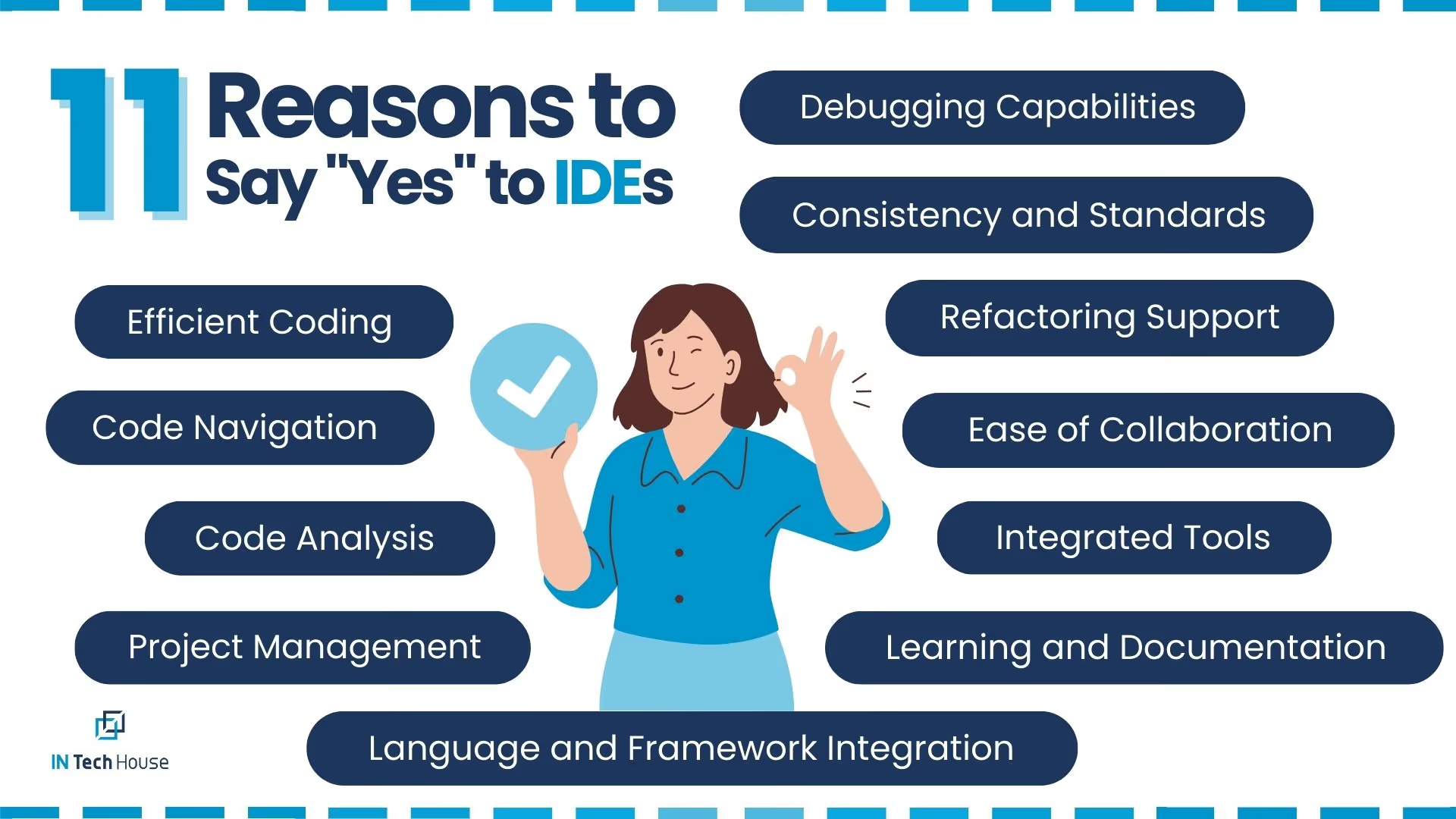
An Integrated Development Environment (IDE) holds immense importance in the realm of software development due to its ability to enhance efficiency, streamline workflows, and facilitate collaboration. Here are several key reasons why an IDE is crucial for software development:
In summary, an IDE acts as a comprehensive toolbox for developers, equipping them with the necessary tools to write, test, debug, and manage code efficiently. Its holistic approach enhances productivity, code quality, and collaboration, making it an indispensable asset in modern software development.
Our developers and content writers created the biggest research ever to find out the best IDEs for Java, Python, .Net, and web development.
Read our published reviews here on Clutch!
Using both Visual Studio Code (VS Code) and IntelliJ IDEA for Java development can be a good strategy, as each has its own strengths and weaknesses. The choice between them often depends on your personal preferences, project requirements, and specific use cases. Here’s a breakdown of the pros and cons of each:
Pros:
Cons:
Pros:
Cons:
In summary, using both Visual Studio Code and IntelliJ IDEA for Java development allows you to leverage the strengths of each tool. You can use VS Code for quick edits, lightweight projects, or when working with multiple languages, and IntelliJ IDEA for more extensive Java projects that benefit from its advanced features and deep Java integration. Ultimately, the choice between them depends on your specific needs and preferences.
Using both Visual Studio Code (VS Code) and PyCharm for Python development can be a good approach, as each has its own set of advantages and disadvantages. Here’s a breakdown of the pros and cons of using both tools:
Pros:
Cons:
Pros:
Cons:
In summary, using both Visual Studio Code and PyCharm for Python development allows you to take advantage of the strengths of each tool. You can use VS Code for lightweight or multi-language projects and quick edits, while PyCharm is particularly well-suited for Python-centric, complex, or large projects that require extensive Python-specific features and integrations. Your choice should depend on your specific Python development needs and preferences.
Using both Visual Studio and Rider for .NET development can be a strategic choice, as each has its unique strengths and can cater to different preferences and project requirements. Here’s how you can use them effectively:
Visual Studio:
Rider:
Using both WebStorm and Visual Studio Code (VS Code) for web development can be a productive strategy, as each has its own set of features and strengths. Here’s how you can use them effectively in your web development workflow:
WebStorm:
Visual Studio Code (VS Code):
It says they are very good.
But let’s find out why exactly!GitHub hosts a plethora of discussions, reviews, and insights about development tools, including Visual Studio, Visual Studio Code, Eclipse, PyCharm, IntelliJ and other development tools.
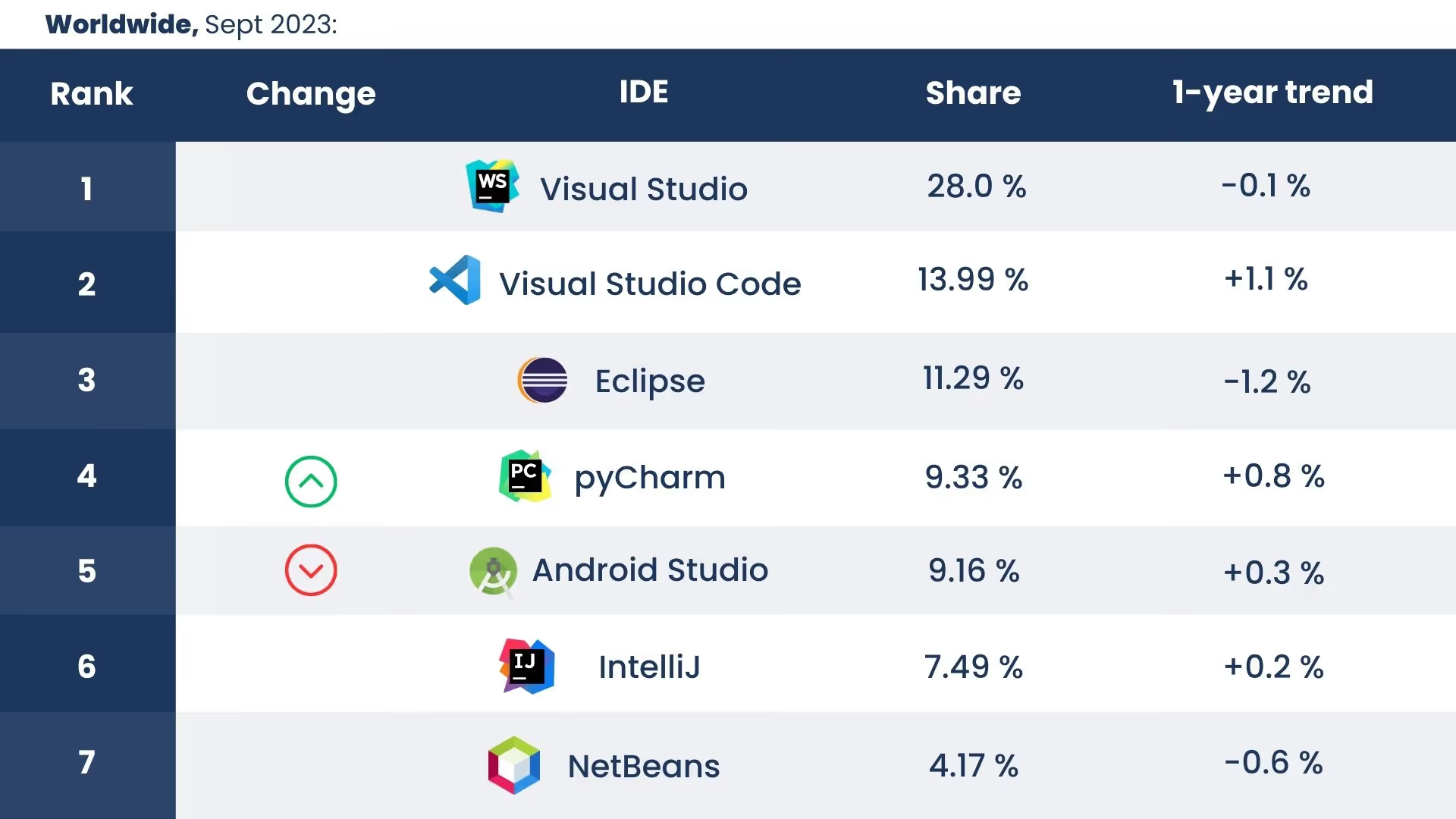
Source: GitHub
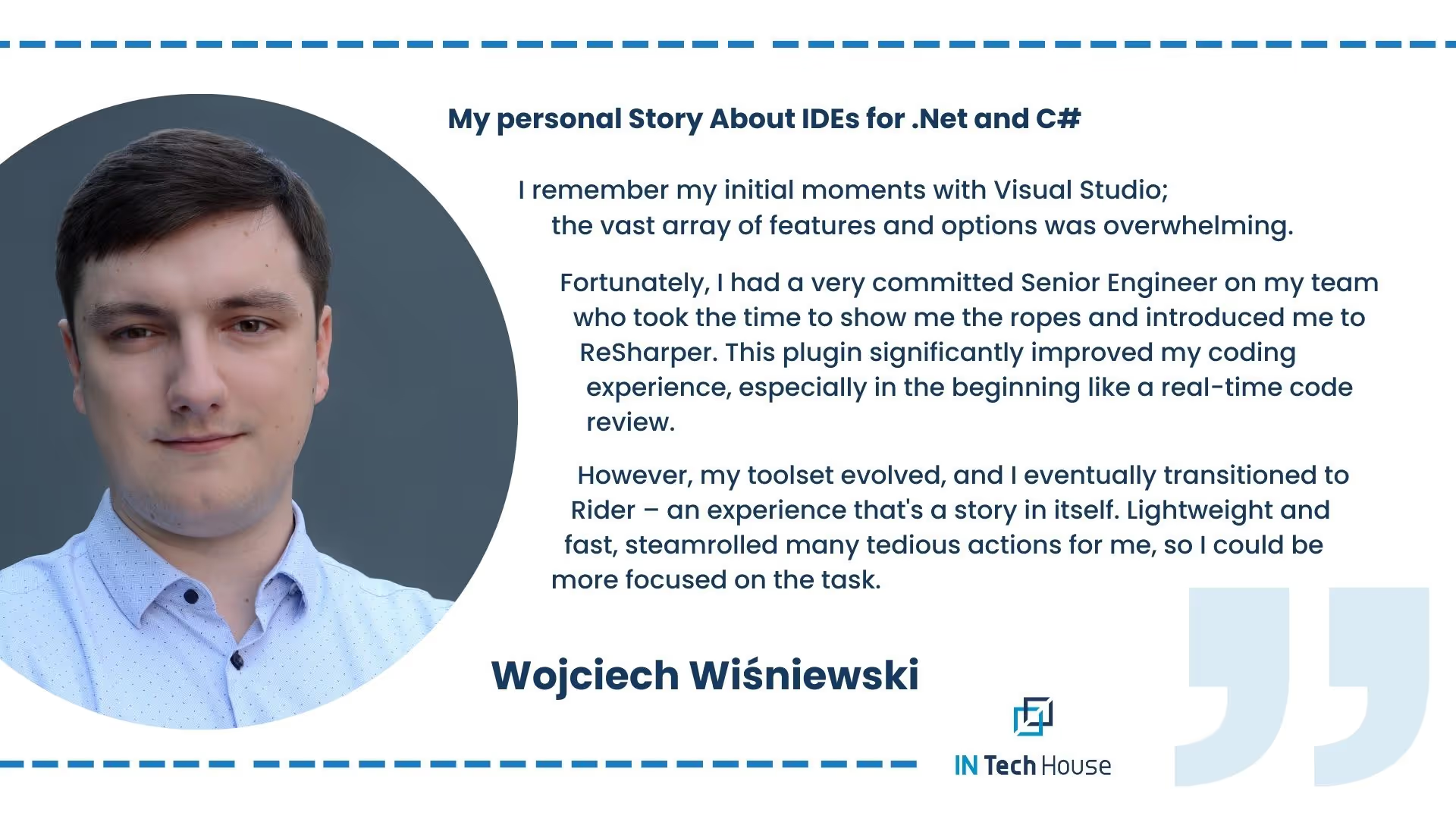
When it comes to .NET and C# development, having a specialized IDE like Rider can make all the difference. Rider stands as a game-changer in the realm of specific-language development, offering a host of features tailored to enhance your .NET and C# coding experience.
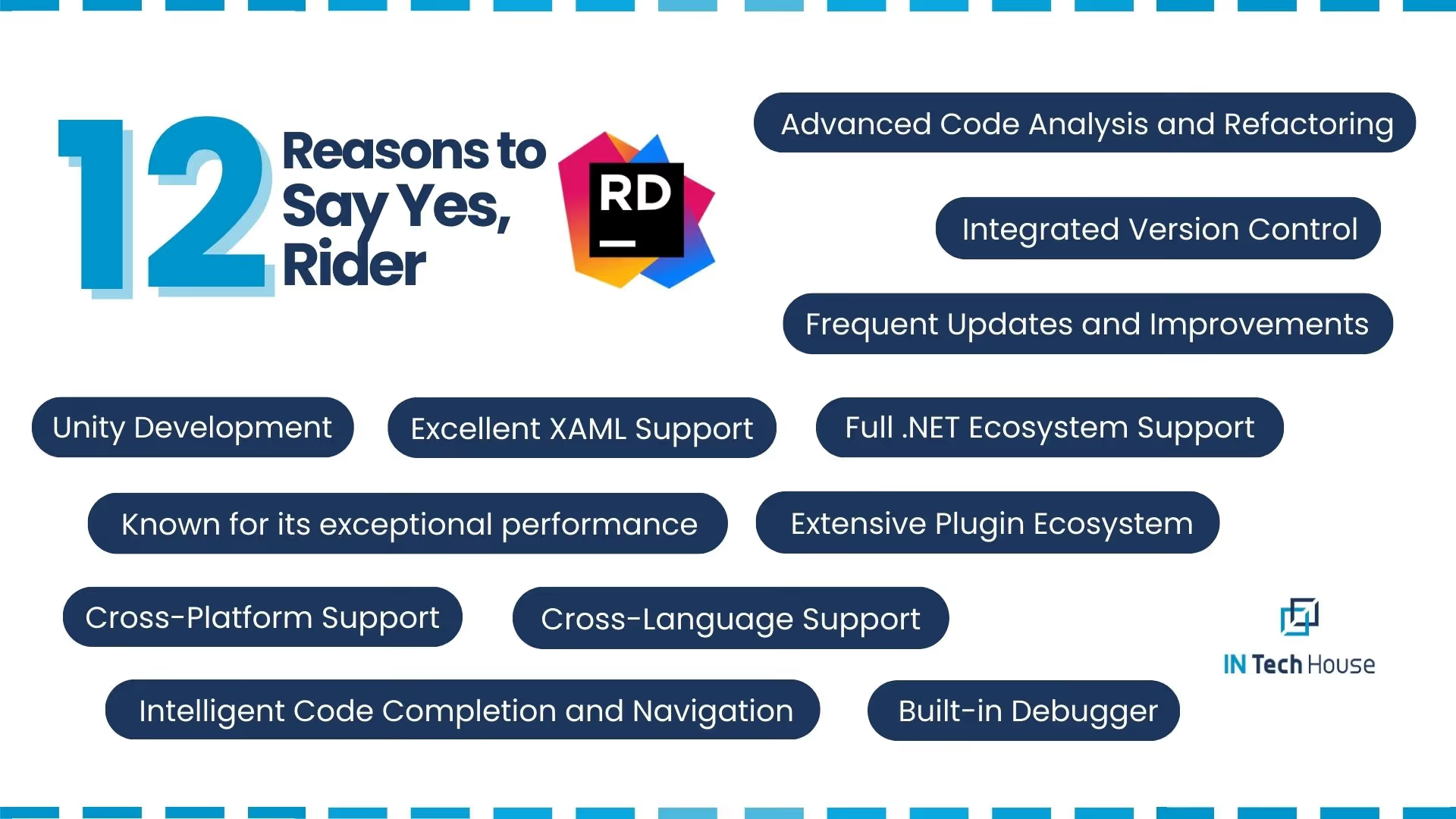
Seamless Integration: Rider integrates seamlessly with the .NET ecosystem, allowing you to effortlessly work with ASP.NET, .NET Core, Xamarin, and Unity. The IDE’s tight integration ensures compatibility, smooth development, and efficient deployment across various platforms.
Advanced Code Analysis: Rider goes beyond traditional code editors, offering advanced code analysis capabilities. It identifies potential issues, suggests improvements, and enforces coding standards, all while you code. This proactive approach enhances code quality and minimizes errors.Intelligent Code Completion: Rider’s intelligent code completion anticipates your coding intentions and provides accurate suggestions, making the development process faster and more accurate. Whether you’re navigating through methods or writing complex algorithms, Rider has your back.Effortless Refactoring: Refactoring your .NET and C# code is a breeze with Rider. The IDE’s refactorings are intelligent and context-aware, allowing you to restructure your code with confidence. Say goodbye to manual changes and hello to efficient code transformation.Integrated Debugger: Rider’s integrated debugger provides powerful tools for debugging and diagnosing issues in your .NET applications. Step through code, inspect variables and gain valuable insights into your program’s behaviour to ensure smooth execution.Cross-Platform Flexibility: Rider supports multiple operating systems, including Windows, macOS, and Linux, allowing you to work in an environment that suits your preferences. This cross-platform flexibility ensures a consistent development experience.Code Navigation and Analysis: Navigating through complex codebases becomes effortless with Rider’s intuitive navigation features. You can easily jump to definitions, find usages, and explore intricate code structures with ease.Unit Testing Integration: Rider seamlessly integrates with popular unit testing frameworks, allowing you to write, run, and analyze unit tests without leaving the IDE. This integration ensures robust code quality and facilitates test-driven development.Collaborative Coding: Rider supports version control systems like Git, enabling smooth collaboration among team members. Code reviews, branching, and merging become straightforward, enhancing teamwork and project management.
NOTE:
INTechHouse plays a pivotal role in sharing invaluable expertise with our clients and future partners. We believe in creating value through collaboration rather than placing blame. Our commitment lies in harnessing our collective knowledge and experience to empower you with the insights, solutions, and guidance you need to thrive in your endeavours. Together, we can achieve success and innovation in the ever-evolving landscape of technology and beyond.
Integrations and plugins play a pivotal role in the functionality and versatility of Integrated Development Environments (IDEs). These additions extend the capabilities of IDEs beyond their core features, offering developers enhanced tools, services, and frameworks tailored to their specific needs. Here’s why integrations and plugins are vital for IDEs:
1. Does an IDE Need Programming Language Support?
Yes, an Integrated Development Environment (IDE) typically needs programming language support to provide a comprehensive development experience. IDEs are designed to facilitate coding, debugging, and testing, and they achieve this by offering features tailored to specific programming languages. These features include syntax highlighting, code completion, debugging tools, and more, all of which are optimized for the supported programming languages.
2. What Is a Source Code Library?
A source code library, also known as a code repository or codebase, is a centralized storage location where developers store and manage their source code. It serves as a version control system, enabling collaboration, version history tracking, and code sharing among team members. Popular source code library platforms include Git repositories hosted on platforms like GitHub, GitLab, and Bitbucket.
3. What Are Data Science Tools?
Data science tools are software applications designed to analyze, interpret, and derive insights from large datasets. These tools often encompass data visualization, statistical analysis, machine learning, and artificial intelligence capabilities. Popular data science tools include Python libraries like pandas and sci-kit-learn, as well as specialized platforms like Jupyter Notebook.
4. What Are Prototyping Tools?
Prototyping tools are software applications used to create interactive prototypes of user interfaces (UI) and user experiences (UX) for websites and applications. These tools allow designers to create functional mockups that simulate how users will interact with the final product. Popular prototyping tools include Adobe XD, Sketch, Figma, and InVision.
5. What Are Source Control Tools?
Source control tools, also known as version control tools or version control systems (VCS), are software platforms that manage changes to source code over time. They facilitate collaboration among developers by tracking changes, allowing multiple contributors to work on the same codebase simultaneously, and providing a history of code modifications. Git is one of the most widely used source control tools.
6. Is a Framework a Tool?
A framework is a collection of pre-written code, libraries, and tools that provide a foundation for building applications, websites, or software components. While a framework can be considered a tool in the sense that it assists developers in creating software, it is broader in scope than a traditional development tool. A framework offers a structured architecture, reusable components, and guidelines for building applications efficiently and consistently.
Co-founder focused on operations, budget control, and making the toughest high-stakes business decisions.
This initial conversation is focused on understanding your product, technical challenges, and constraints.
No sales pitch - just a practical discussion with experienced engineers.
Share a few details about your product and context. We’ll review the information and suggest the most appropriate next step.